
Servo.
You can watch your cab crawl down the street in real time — but hand your car to a workshop and it disappears into a black box. Servo is a connected network of car service centres: book in seconds, see the price before the keys leave your hand, and track every stage of the job live — the Uber playbook, applied to car care.
Servo is a self-initiated concept, originally designed under the working name "MekBuddy" — which is what the UI screens still say. Metrics reflect prototype testing sessions, not a shipped product.
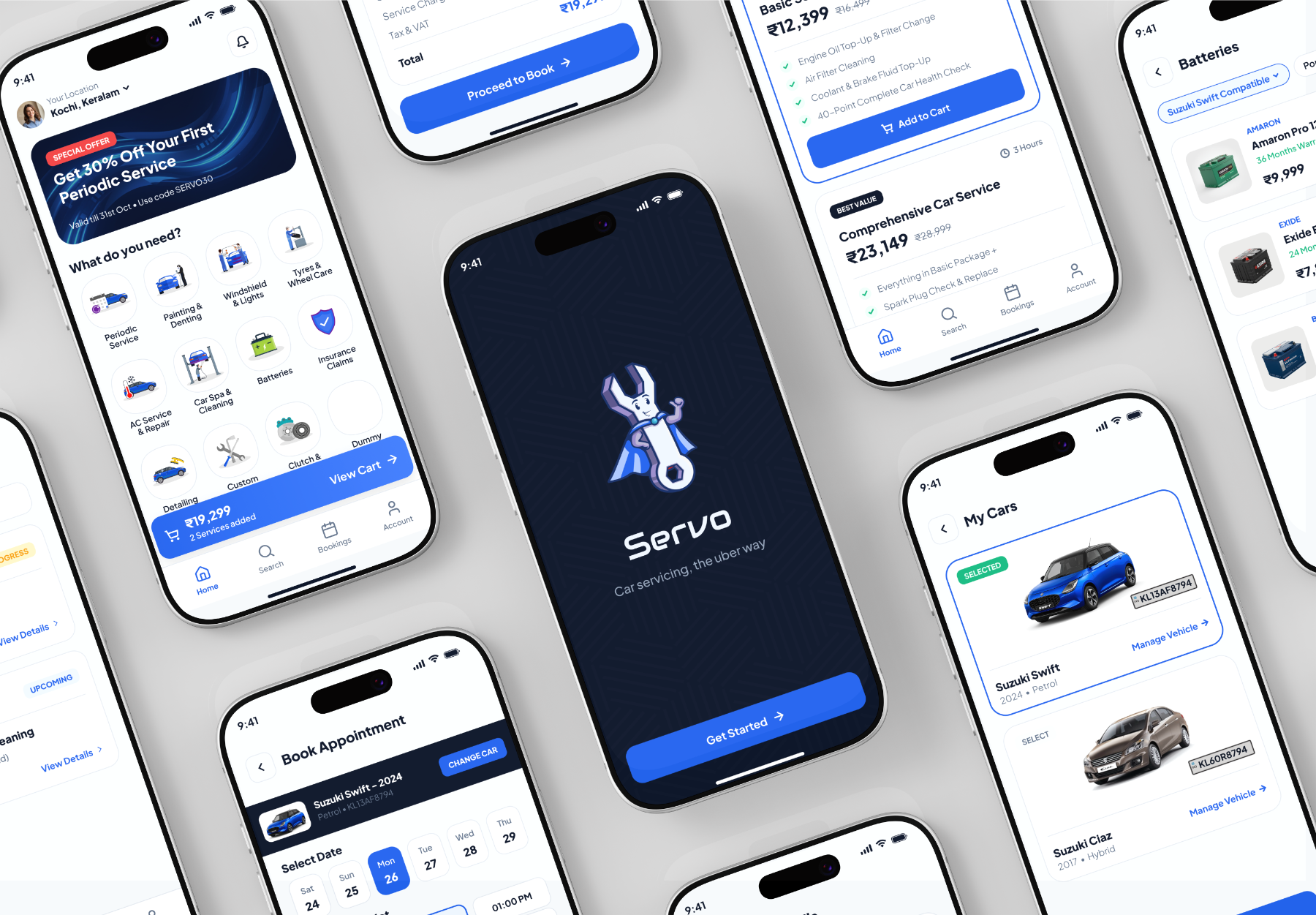
Car servicing is a black box.
Owners hand over their keys and wait, blind: no firm price, no status, and a service history that lives as receipts in the glovebox. Booking still happens by phone call and hope.
I designed a mobile app around three ideas: itemised pricing before you book, a live Uber-style timeline for the job itself, and a digital garage so every car carries its own service history.
You can track a ₹150 cab. Not your ₹8-lakh car.
Getting a car serviced means calling a workshop, negotiating a vague verbal estimate, dropping the car off, and then calling repeatedly to ask if it's ready. The final bill routinely lands above the estimate, with no way to verify what was actually done.
Every layer of the experience — discovery, pricing, scheduling, status, history — runs on trust the industry hasn't earned. The tools that fixed this for taxis and food delivery simply don't exist for car care.
What owners told me
Short interviews and a survey with car owners — commuters, first-car buyers, and multi-car households — about how they book, pay for, and remember service work.
81% said they couldn't predict what a service would cost before it was done — and most had paid a final bill noticeably above the verbal estimate.
The top anxiety wasn't price — it was not knowing what was happening while the car was away. Owners called the workshop ~3 times per service just to ask for status.
Service history was paper receipts and memory. Nine in ten couldn't say when their brake pads were last changed — which makes upselling easy and trust hard.
Nobody owns the whole loop.
Genuine parts and brand accountability — at nearly double the price, with waitlists, and still zero visibility once the car is inside.
Quick and affordable, but pricing is a handshake, quality varies wildly, and nothing is written down — least of all your car's history.
Directories with discount codes. The experience ends at the booking hand-off — no live tracking, no locked pricing, no per-car records.
The opening: everyone solves one slice — trust, price, or speed. Nobody owns the full loop of book → price → track → remember. That loop became Servo.
Three owners to design for.
IT project lead in Kochi, drives a Tata Tiago. Skips service until something rattles because booking means phone calls and a lost Saturday.
- Booking in seconds, not phone calls
- Doorstep pickup and drop
- A bill that matches the estimate
Bought her first hatchback last year. Doesn't know what "periodic service" actually includes, and worries every workshop visit ends in an upsell she can't evaluate.
- Services explained in plain language
- Itemised, verifiable pricing
- Ratings she can trust before choosing
Two cars and a scooter between the family. Juggles insurance dates, service dues, and battery warranties across vehicles — currently via a folder of receipts.
- Per-vehicle profiles and history
- Service and renewal reminders
- One-tap rebooking of past jobs
How might we…
Price before keys — every booking shows an itemised estimate, locked unless the owner approves extra work in-app.
Track the job like a cab — a live stage timeline from pickup to delivery, so nobody ever calls to ask "is it ready?"
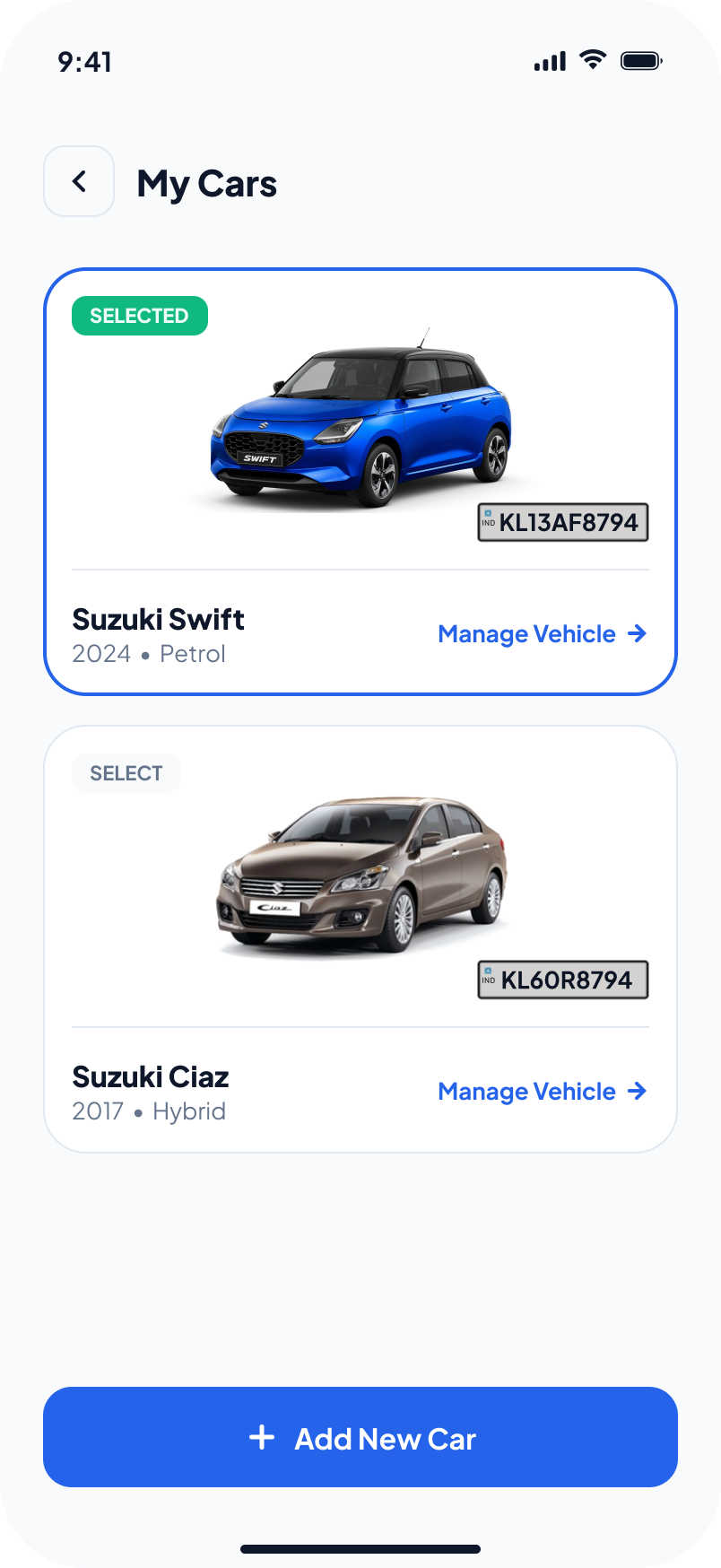
A garage for every car — vehicle profiles built during onboarding carry full service history and due-date reminders.
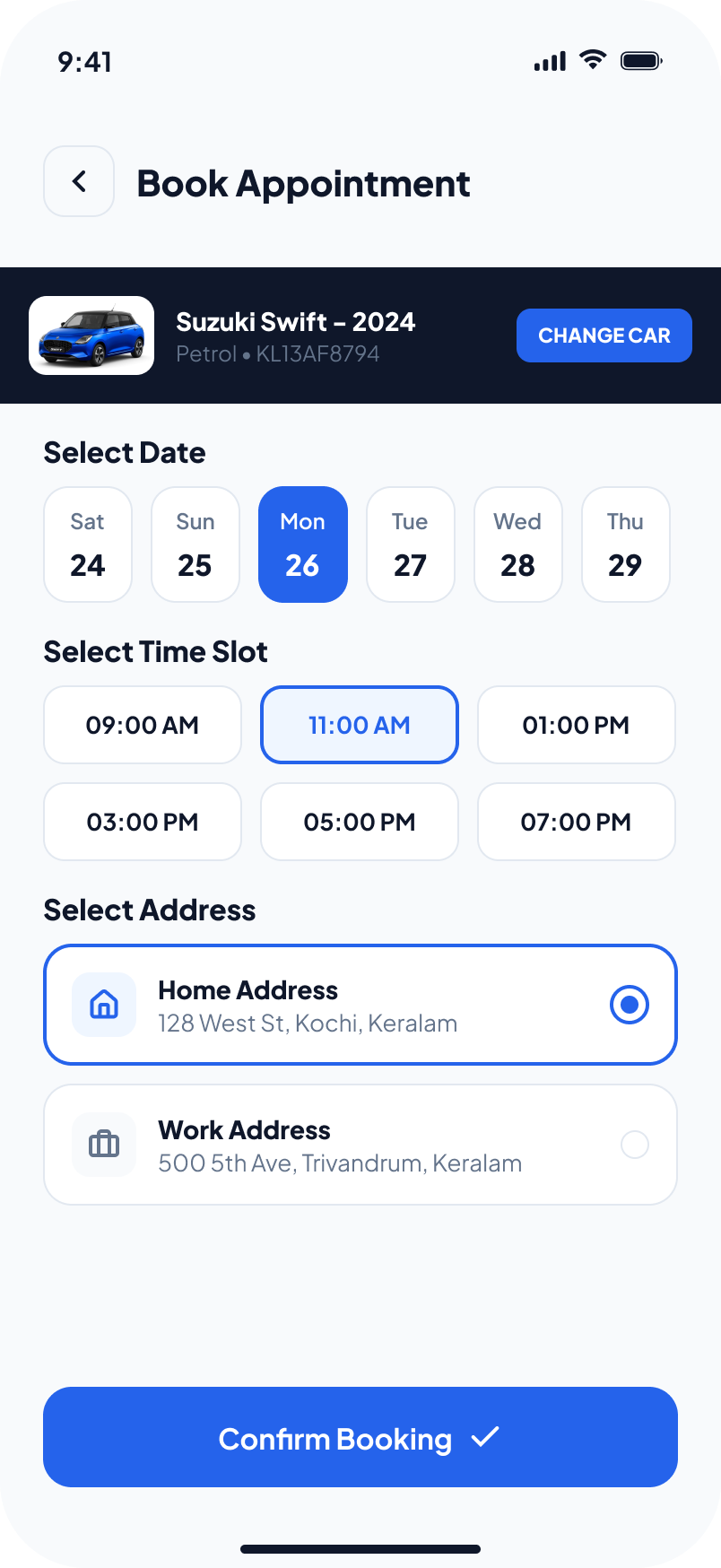
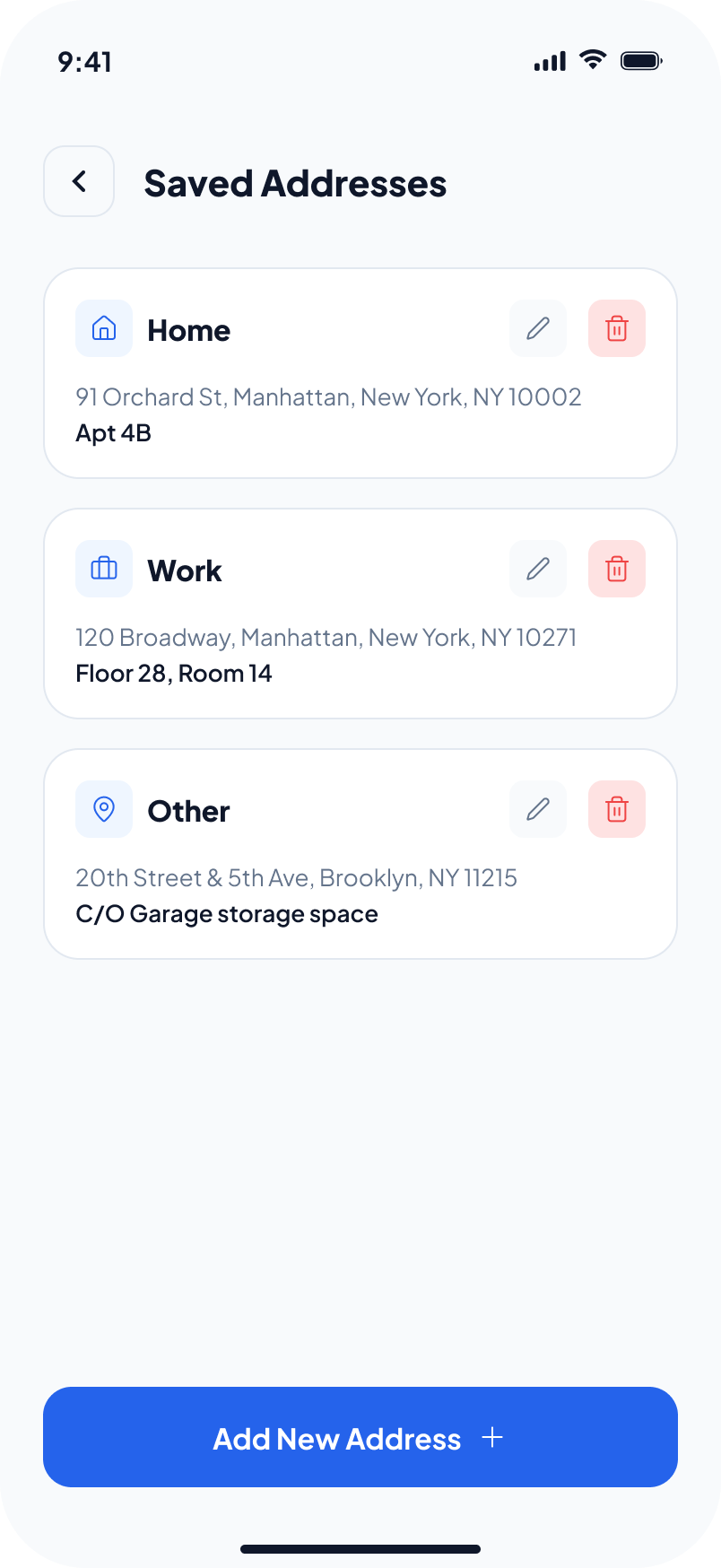
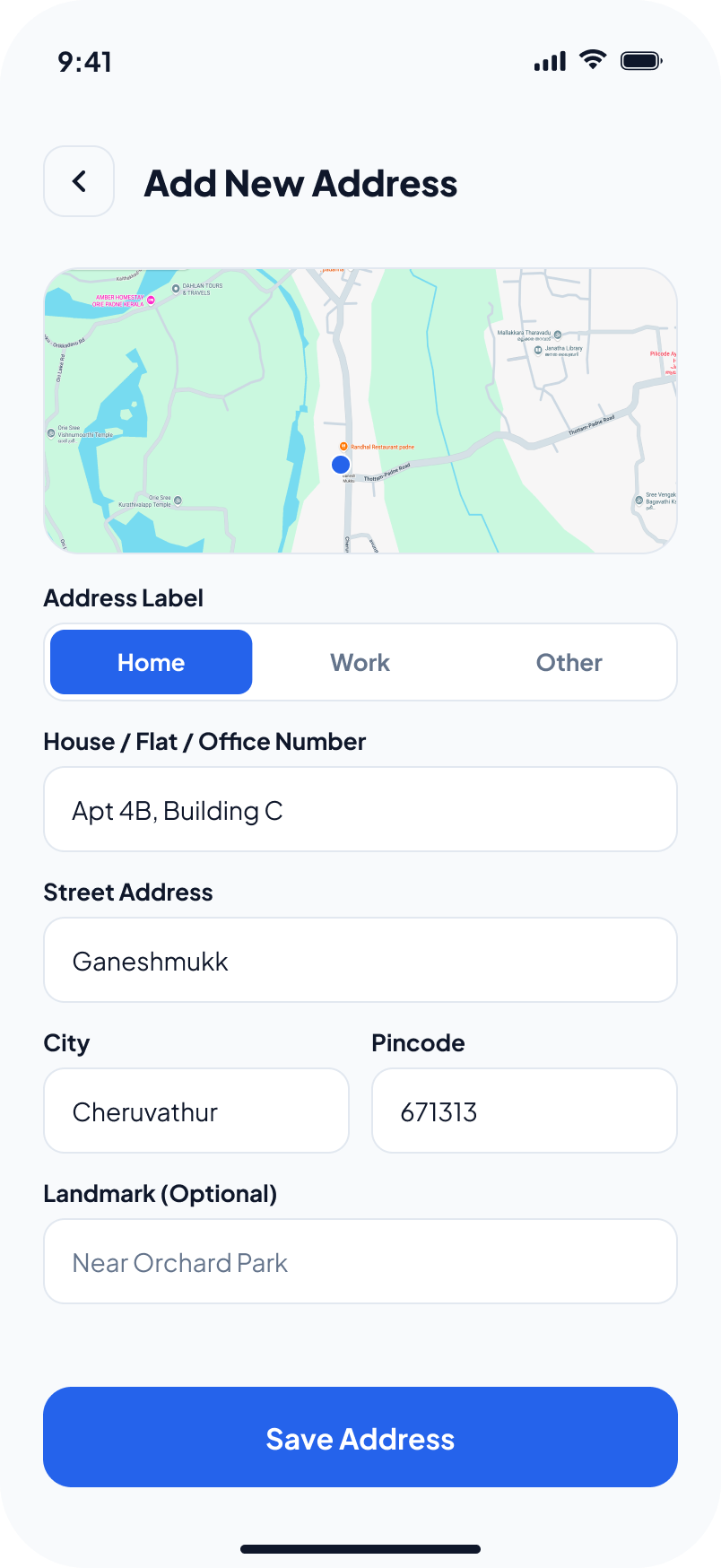
Book in under a minute — car → service → slot in three taps, with saved cars and addresses as defaults.
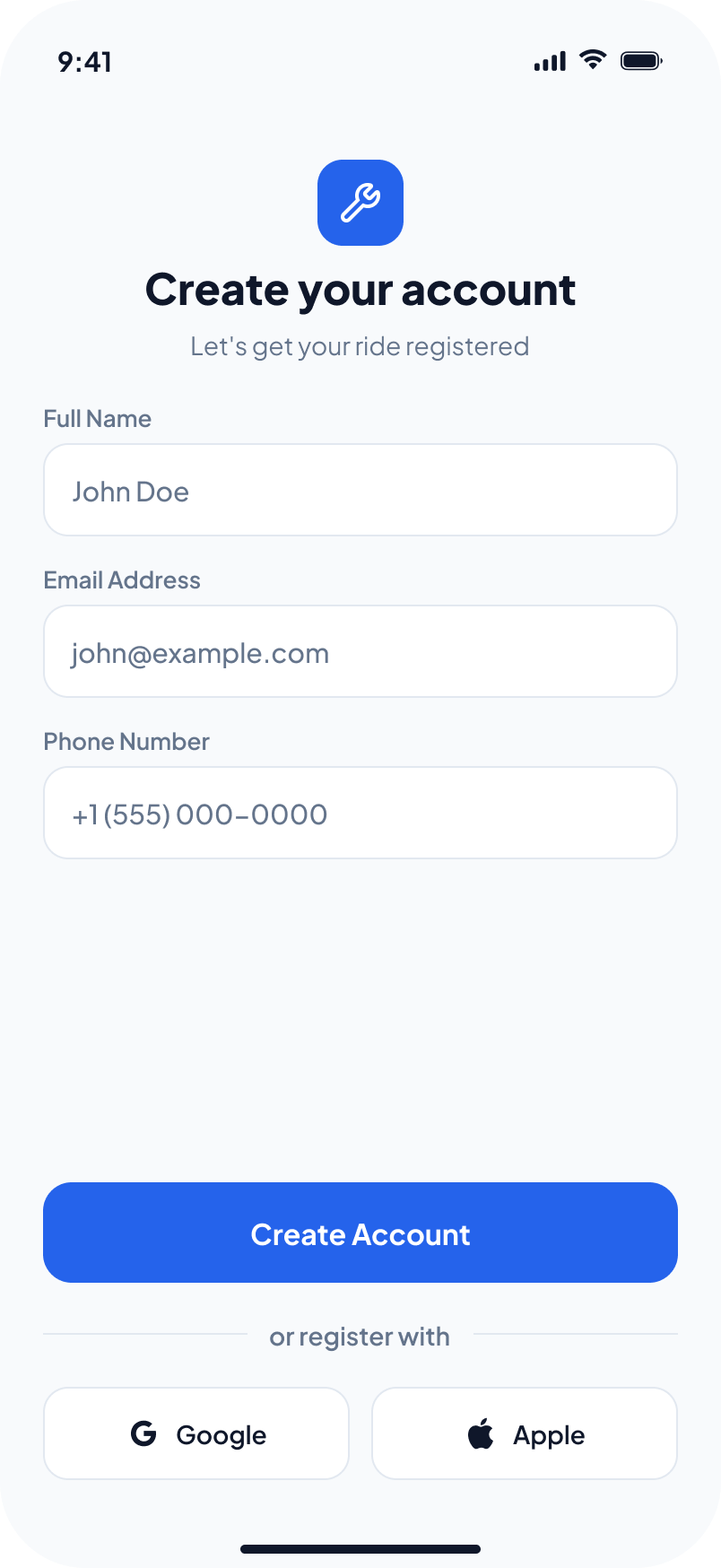
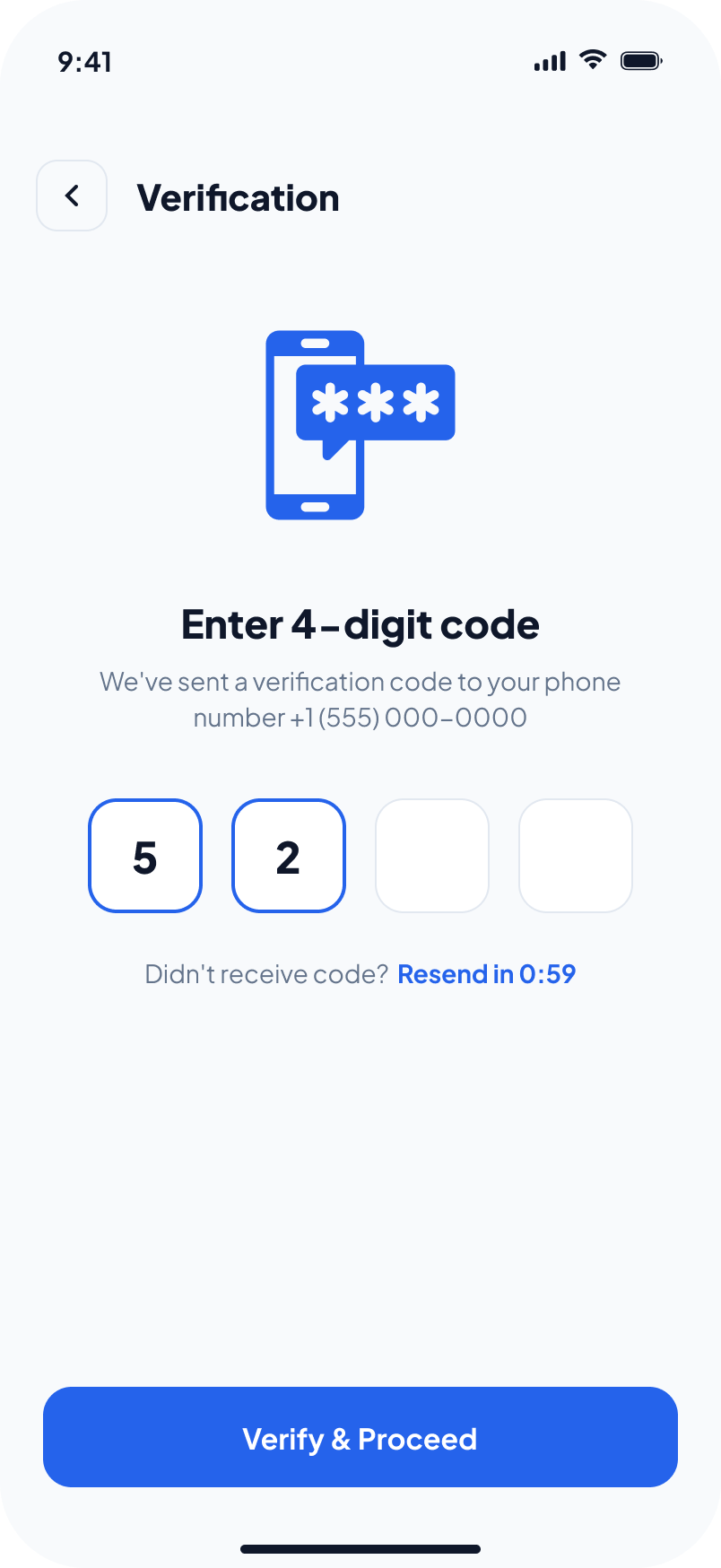
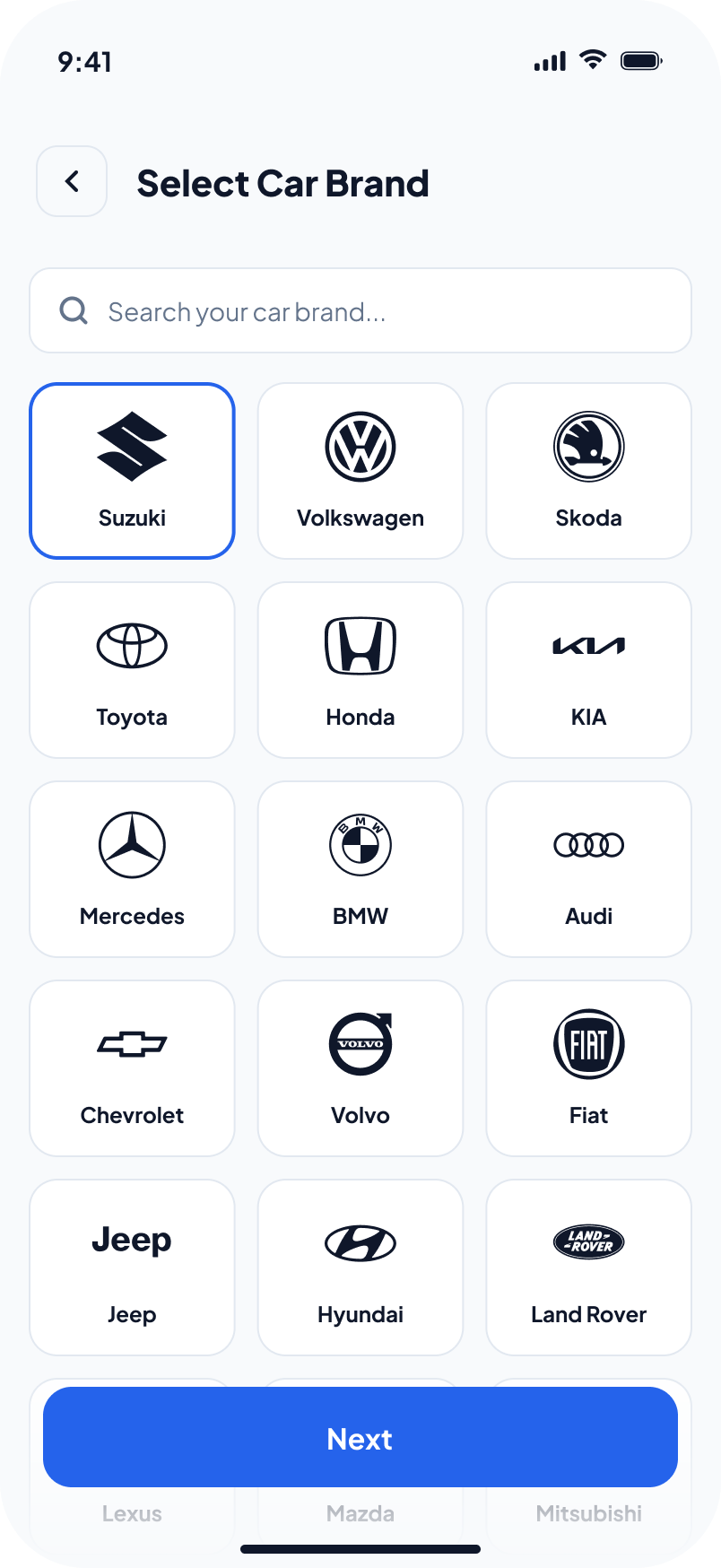
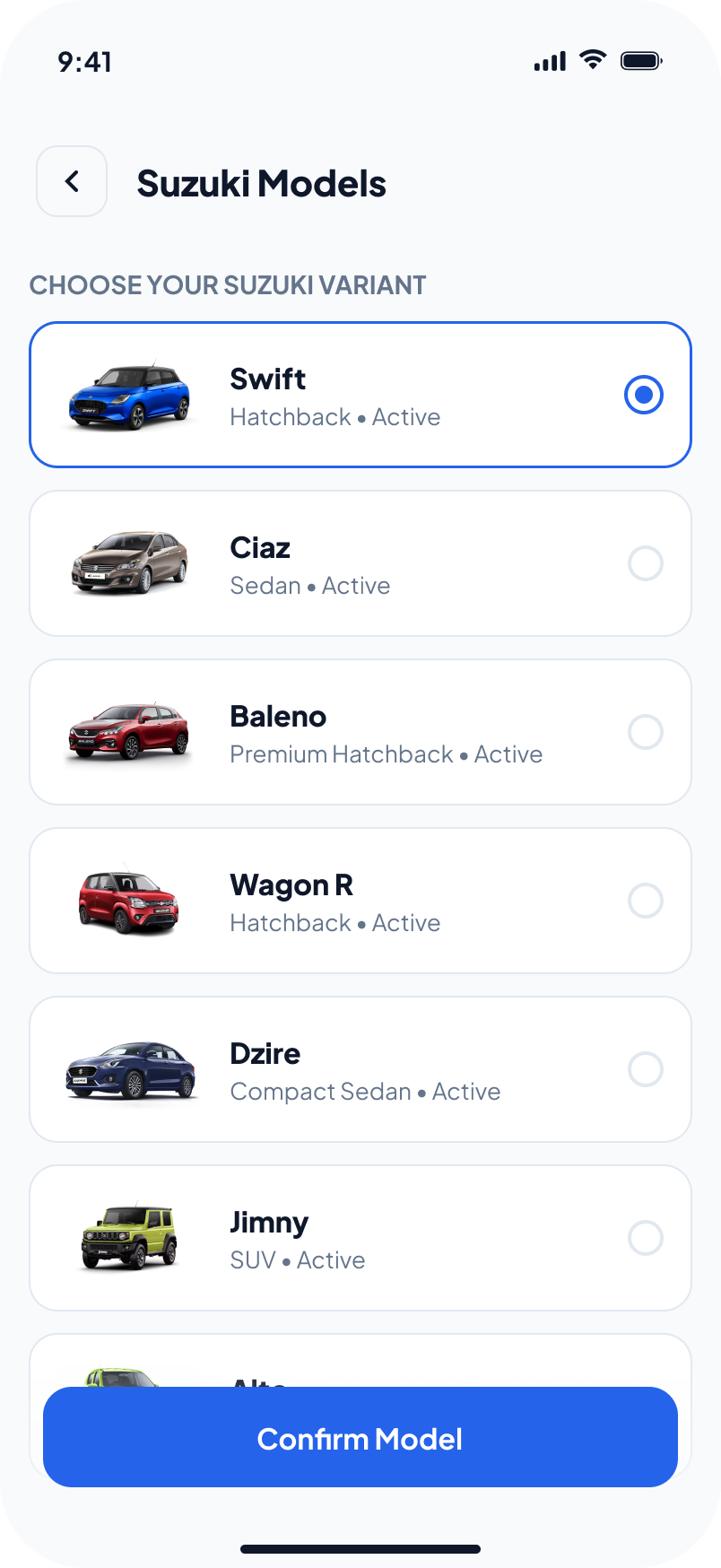
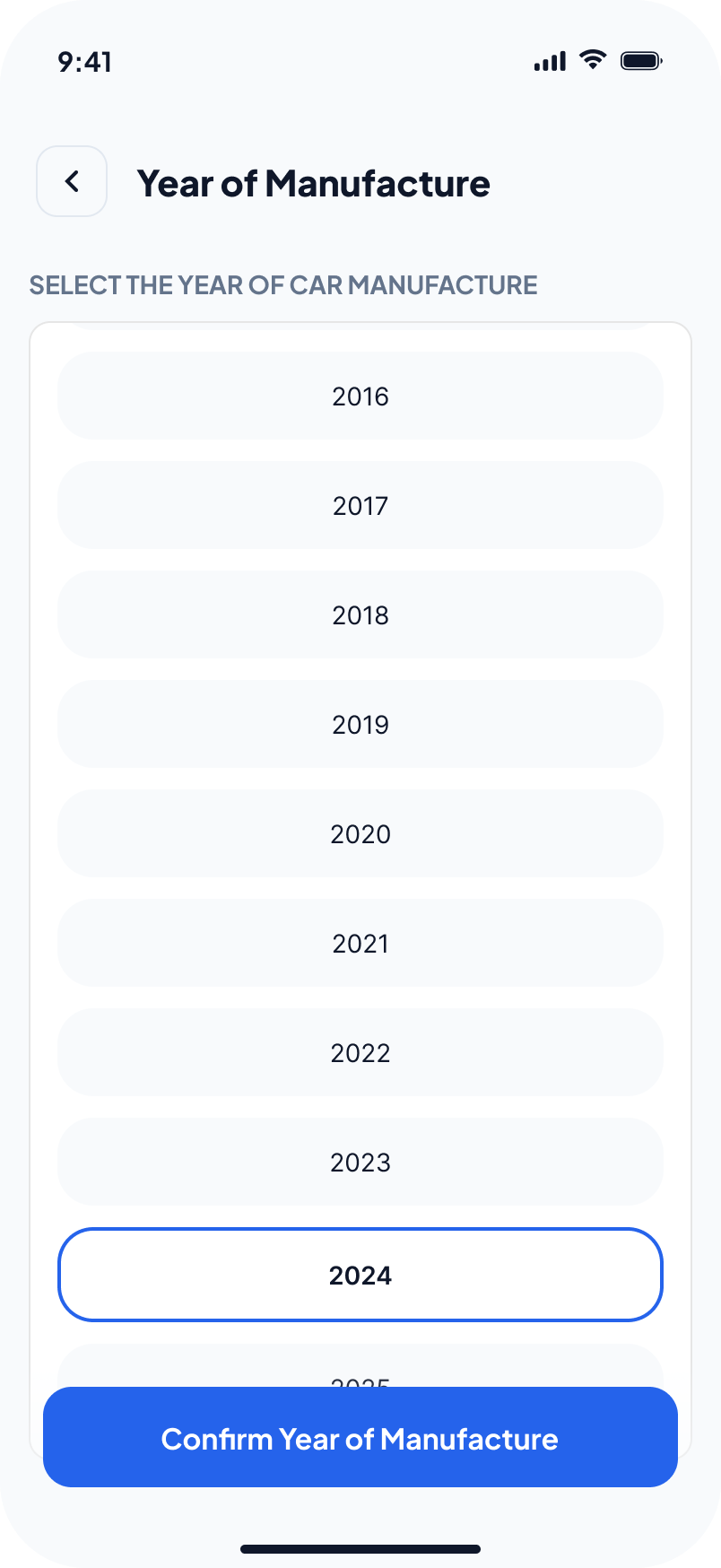
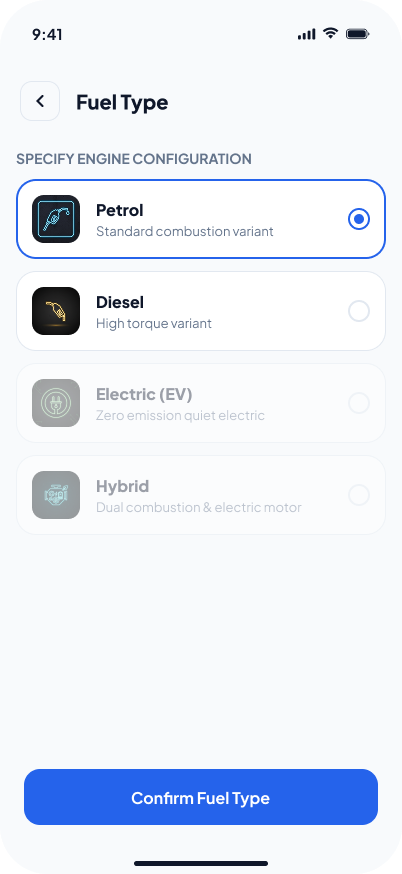
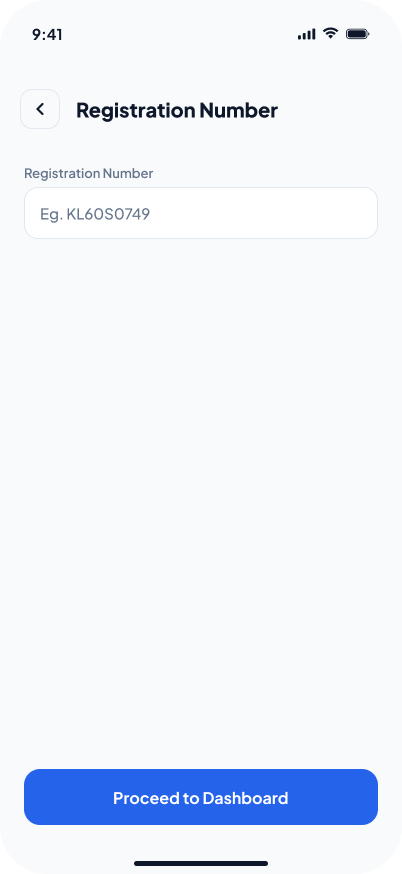
Sign up, add your car.
Account creation and vehicle setup — the first-run flow that gets a car on file before anything else.
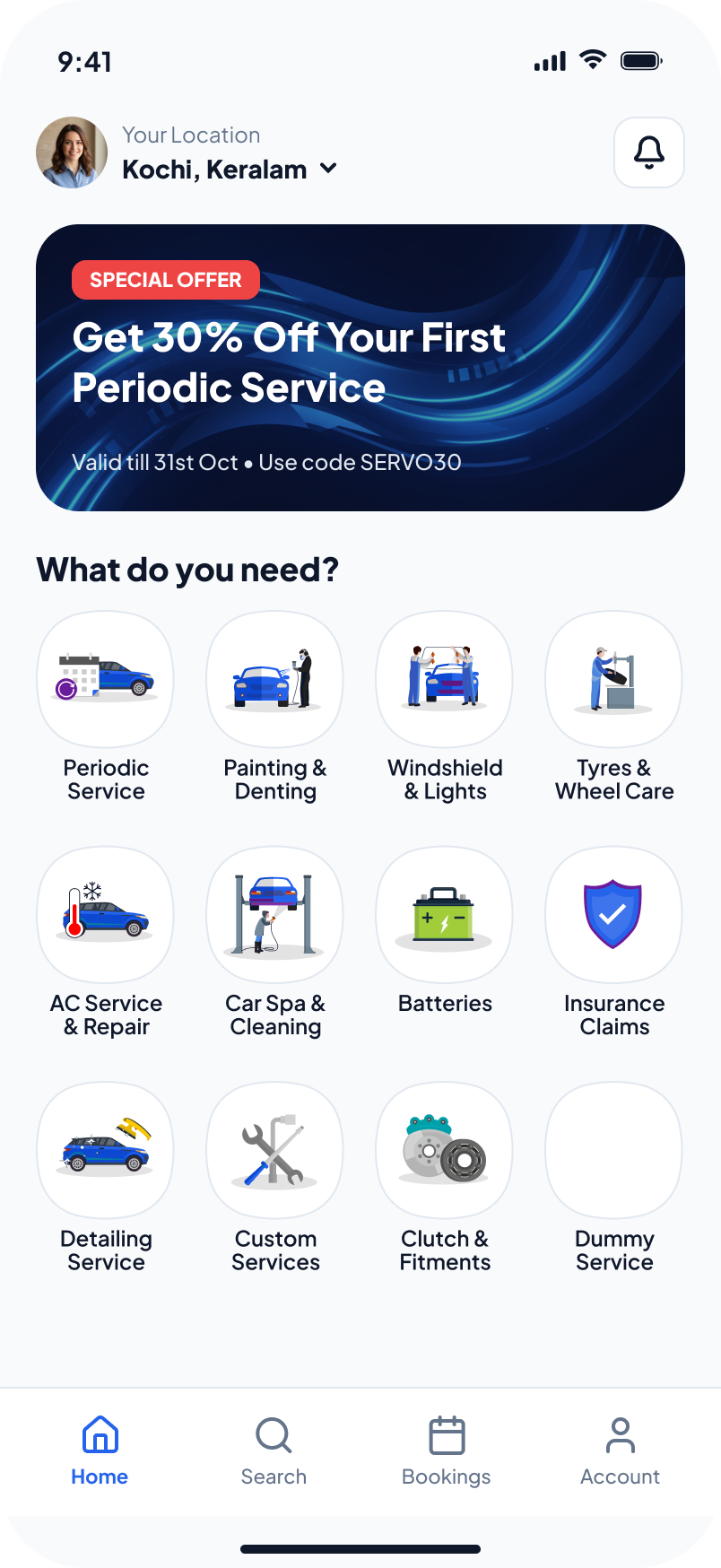
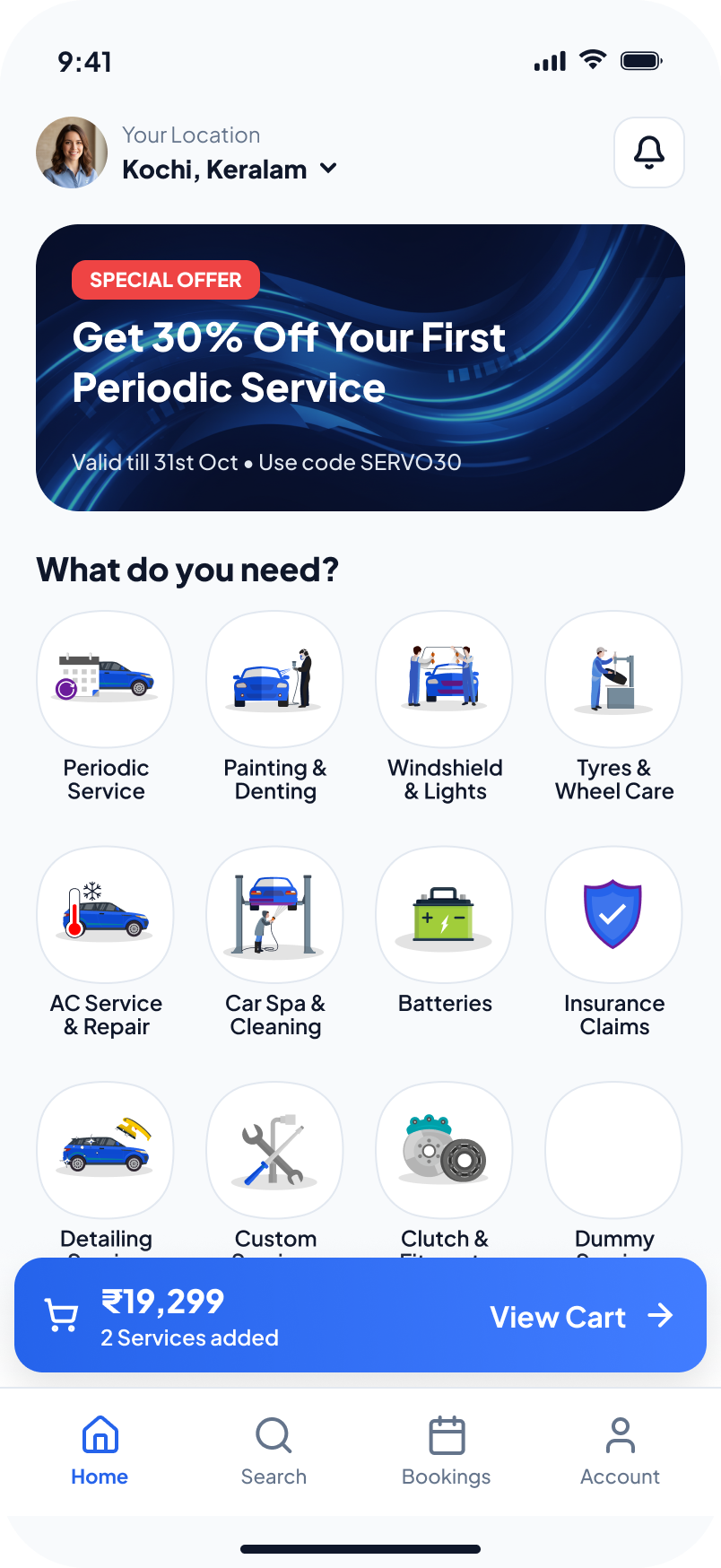
Find it, book it.
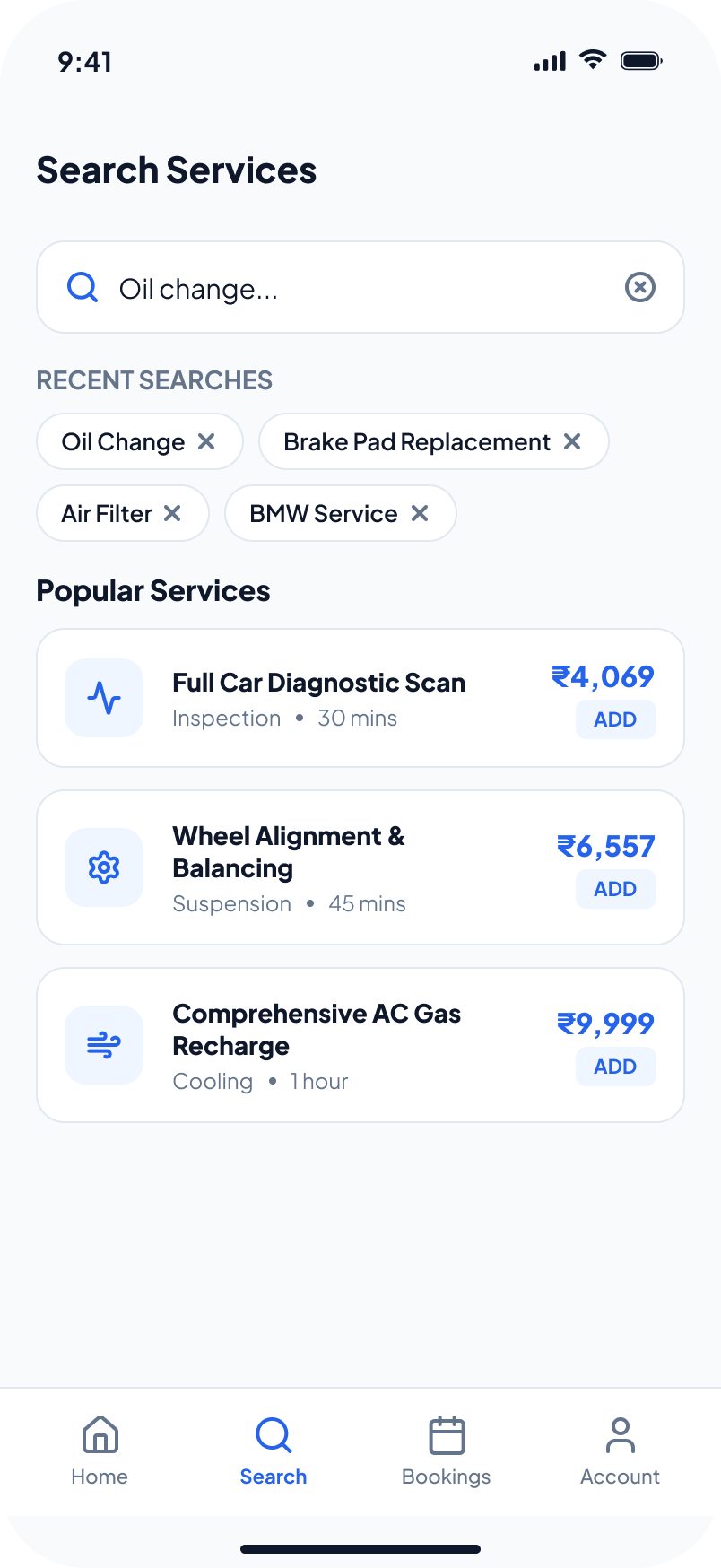
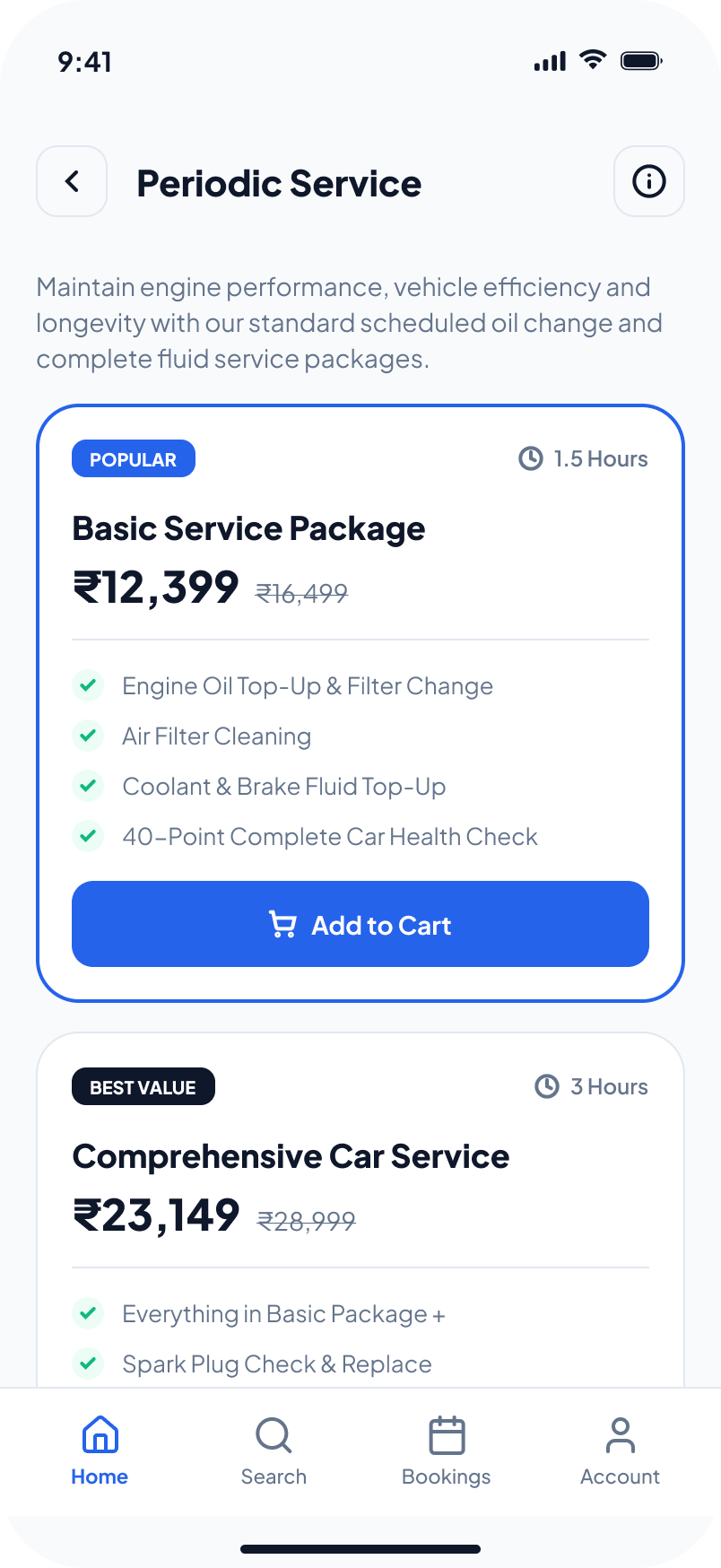
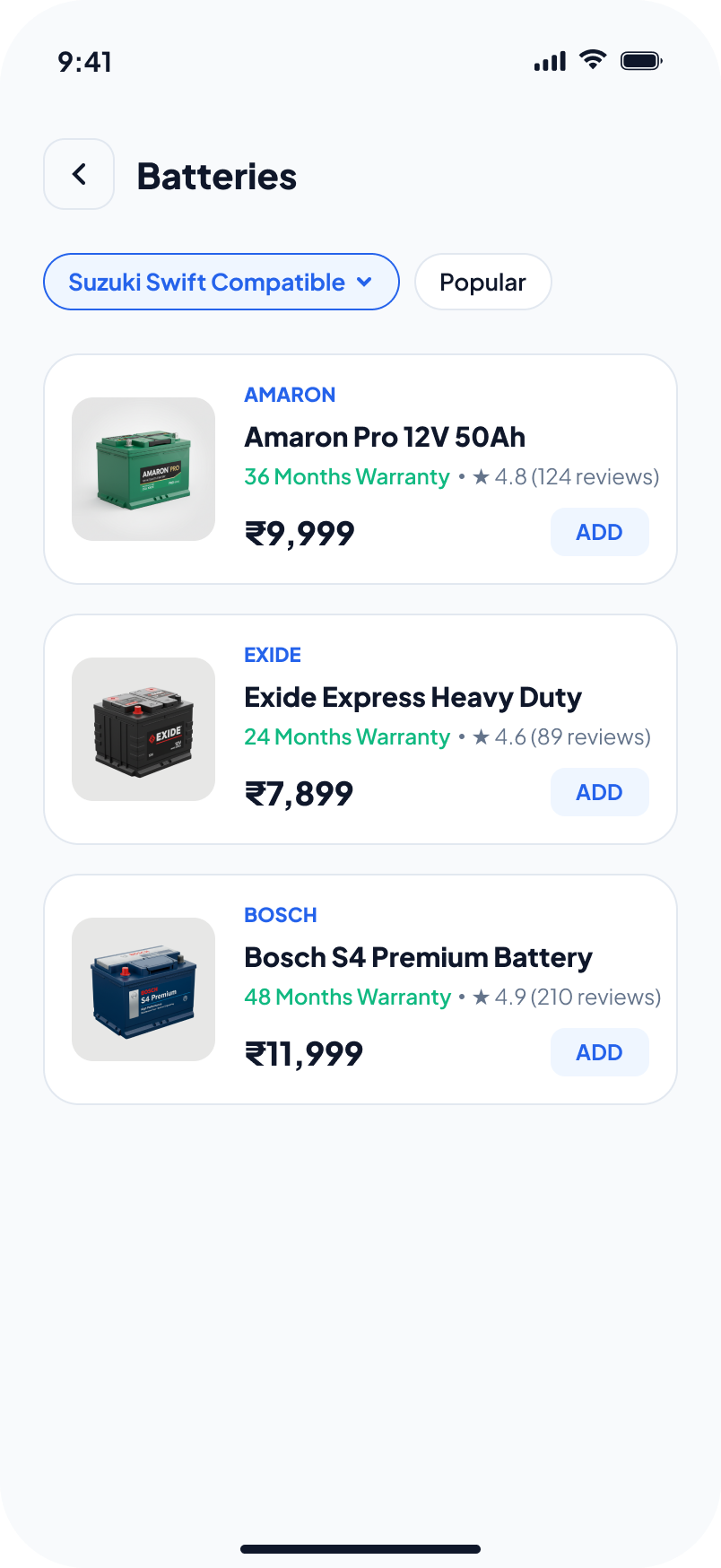
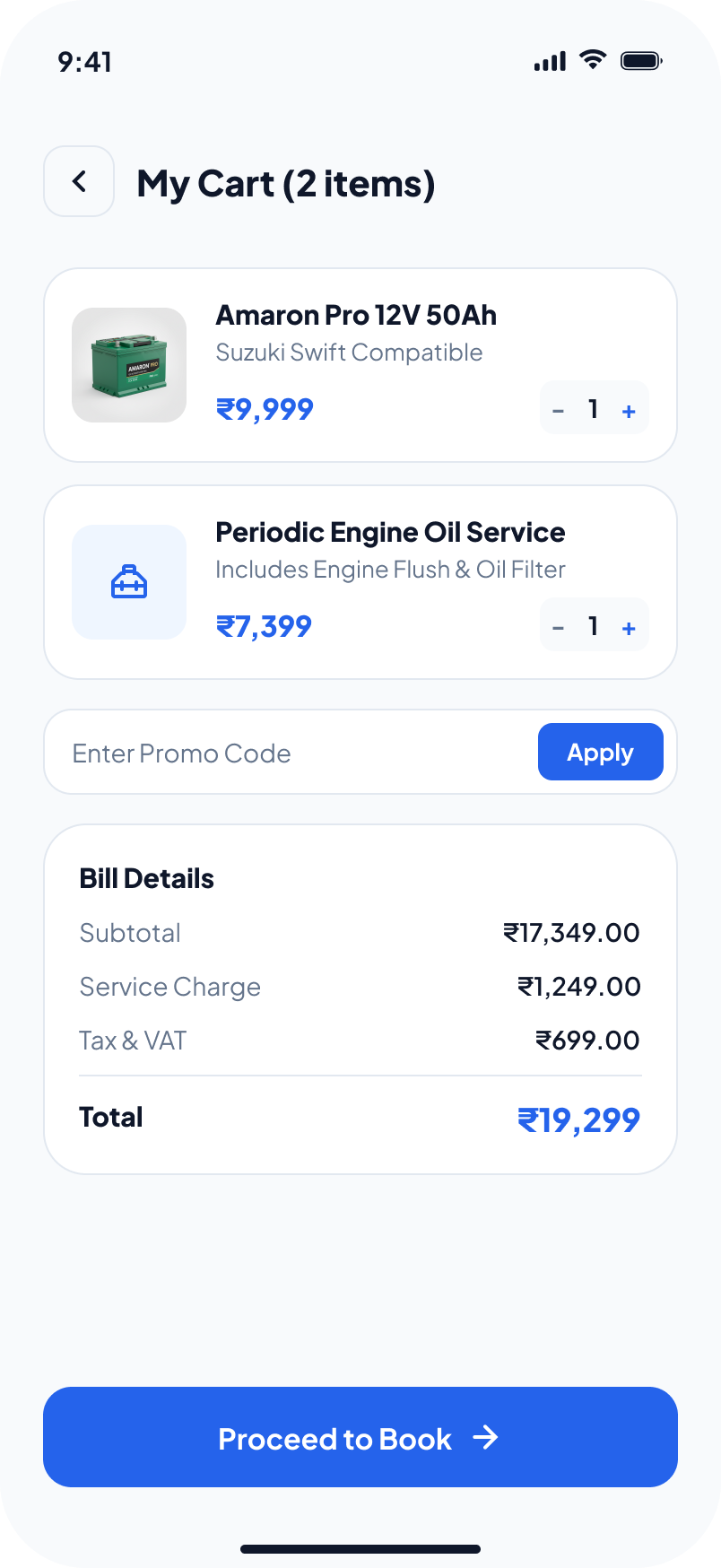
The core commerce loop — browse services and parts, build a cart, and lock in an appointment.
Manage and track.
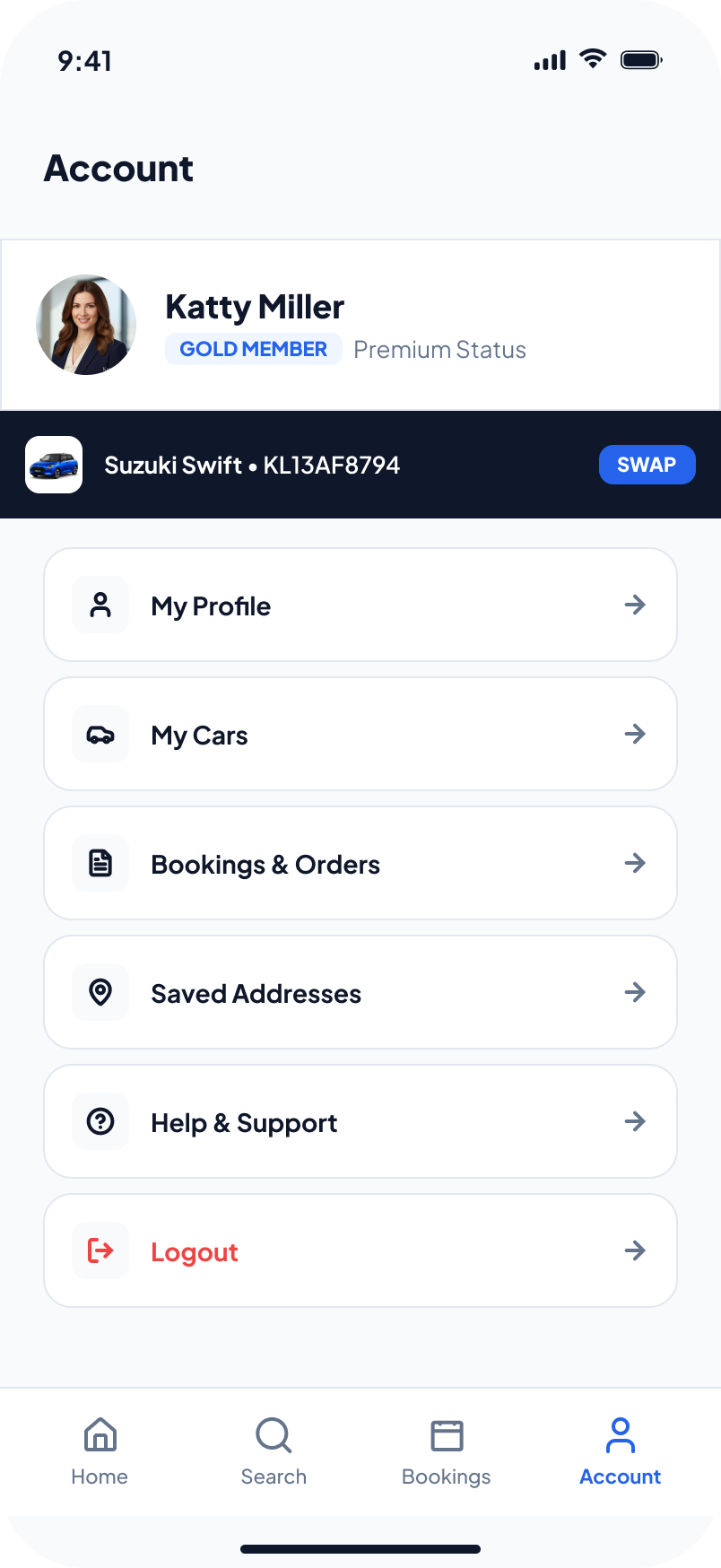
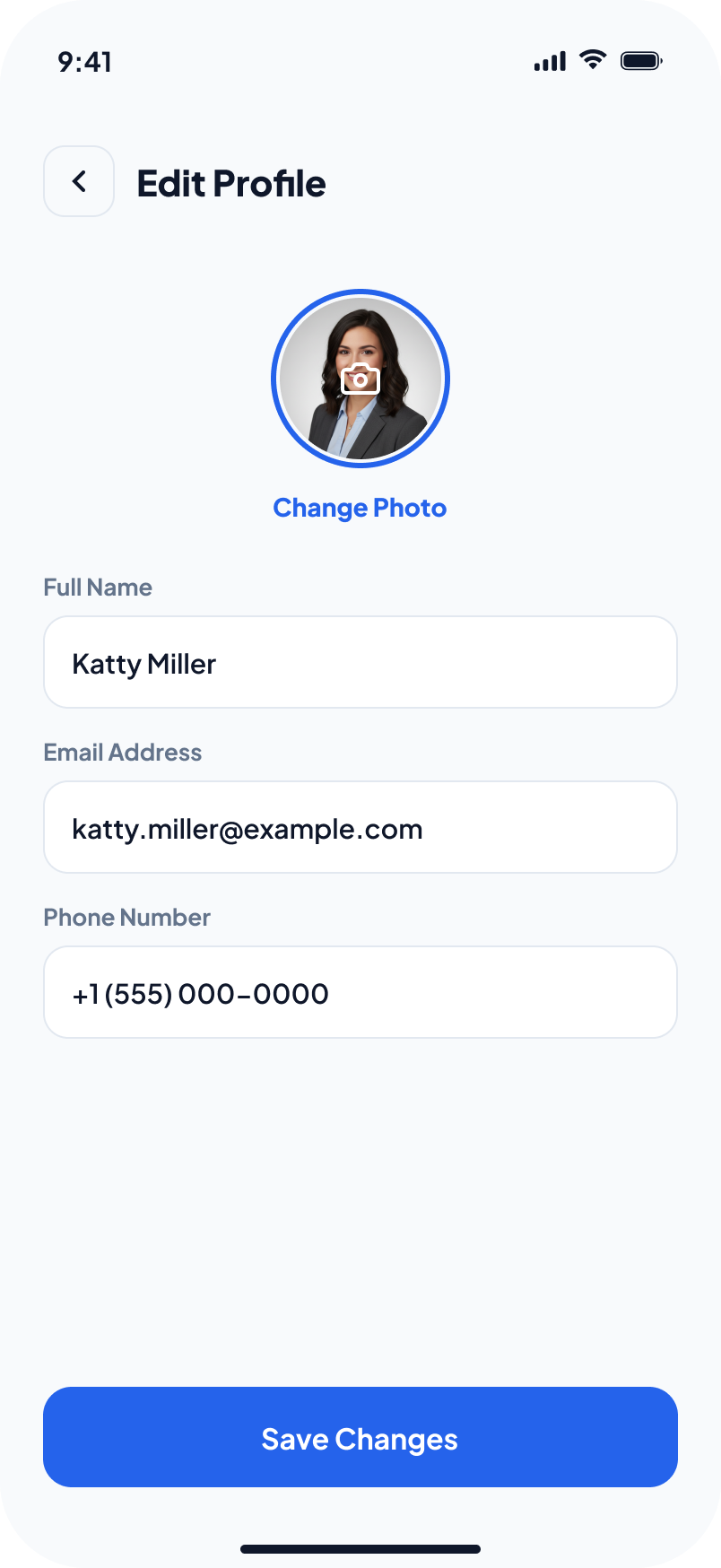
Everything after the booking — profile, saved cars and addresses, and live order tracking through to completion.
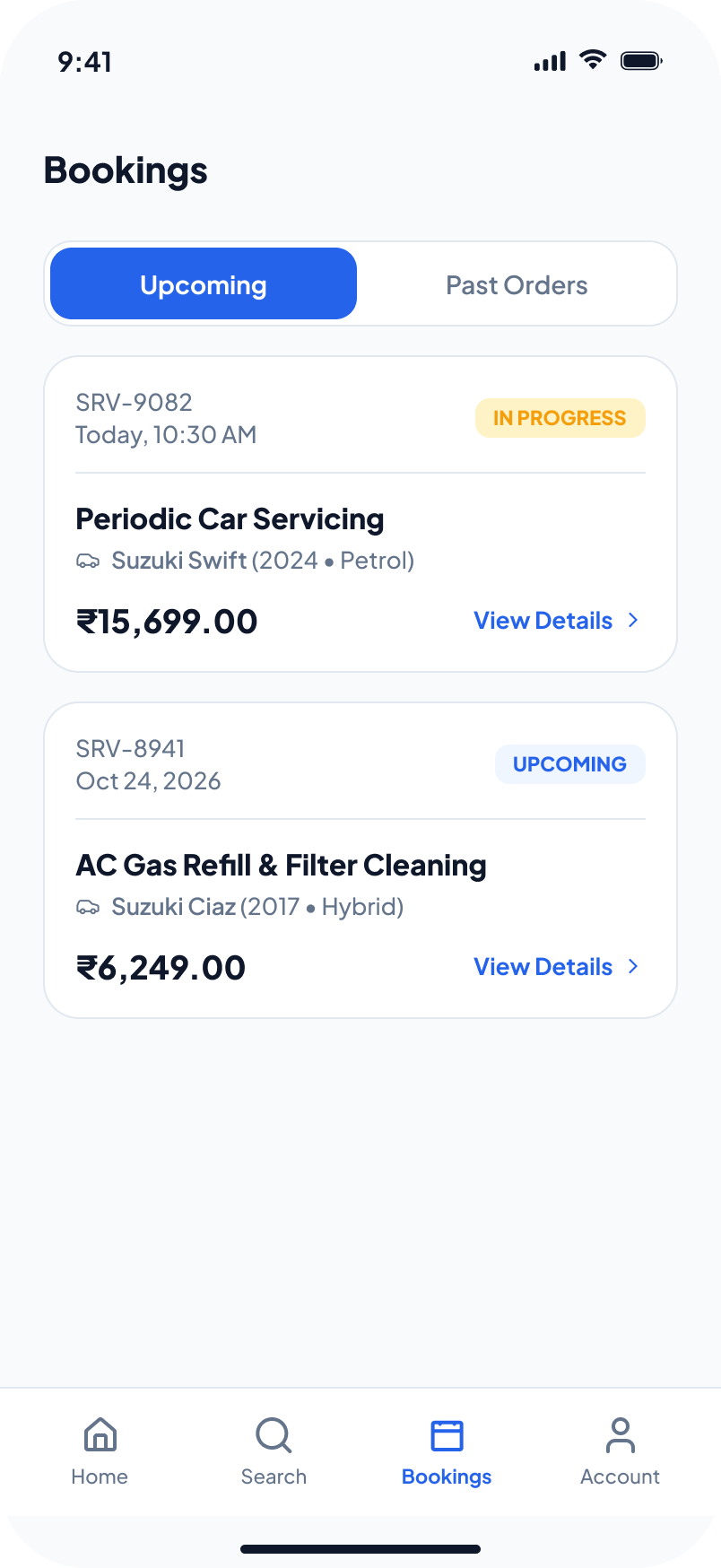
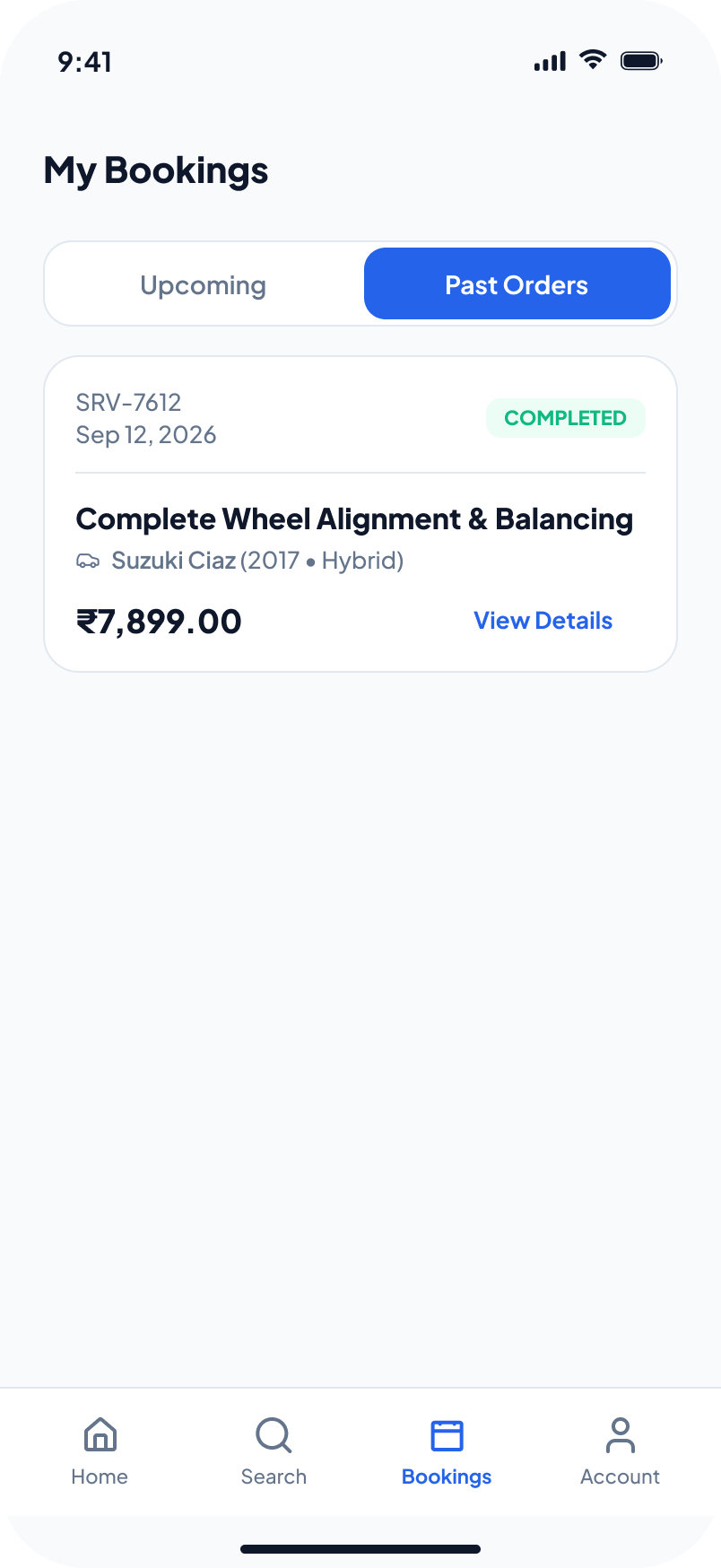
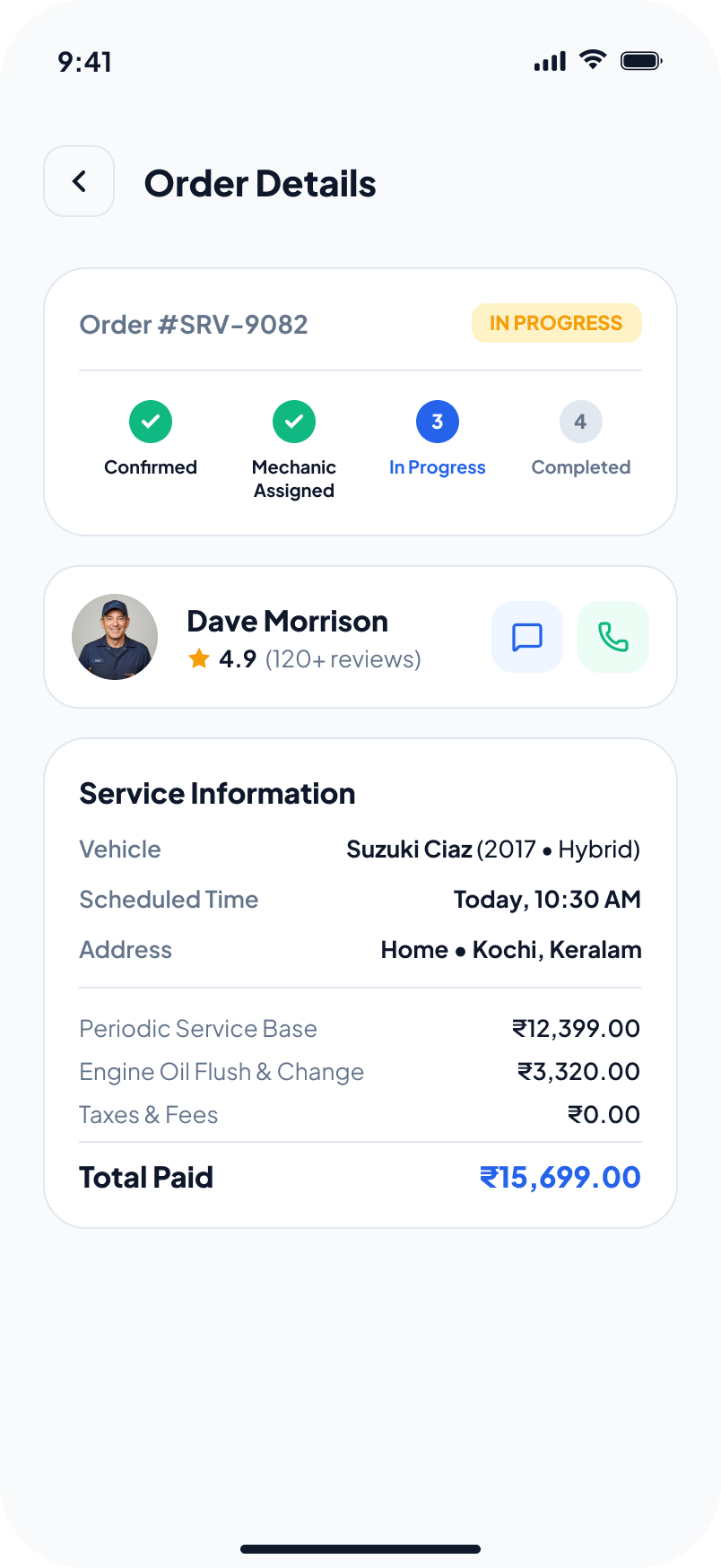
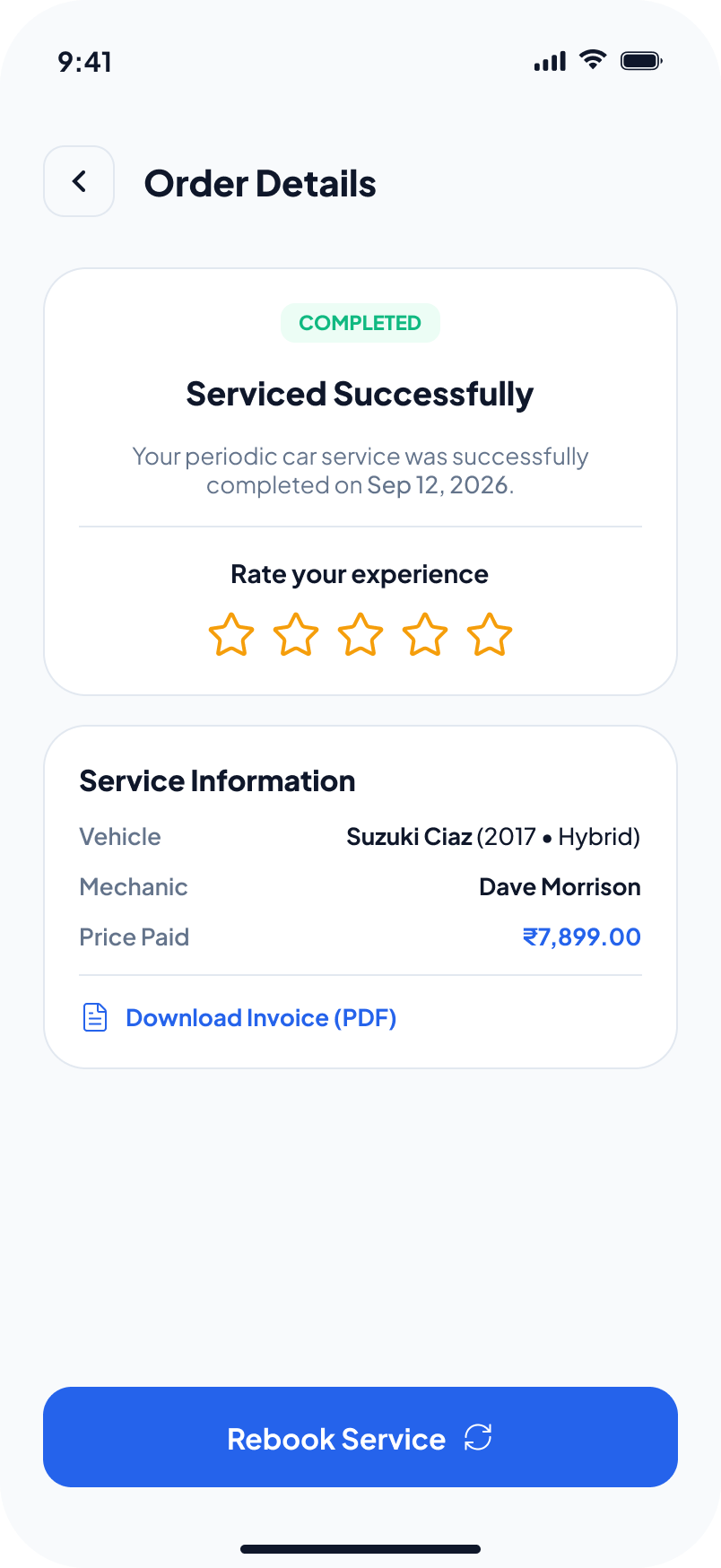
Tested, humbled, iterated.
Moderated sessions with 12 participants across the three persona groups, working through the prototype's core tasks: add a car, book a periodic service, and check the status of a job in progress.
"First time I knew what was happening to my car without calling anyone."
— Participant 7, round 2
Did it work?
Takeaways: transparency is a feature, not copywriting — locked, itemised pricing changed how participants talked about trust; and live status removes more anxiety than any discount could.
What I'd do next: design the workshop-side app that feeds the live timeline, validate pickup/drop logistics with a partner garage network, and explore OBD telemetry for predictive "your brakes are due" service nudges.